1.
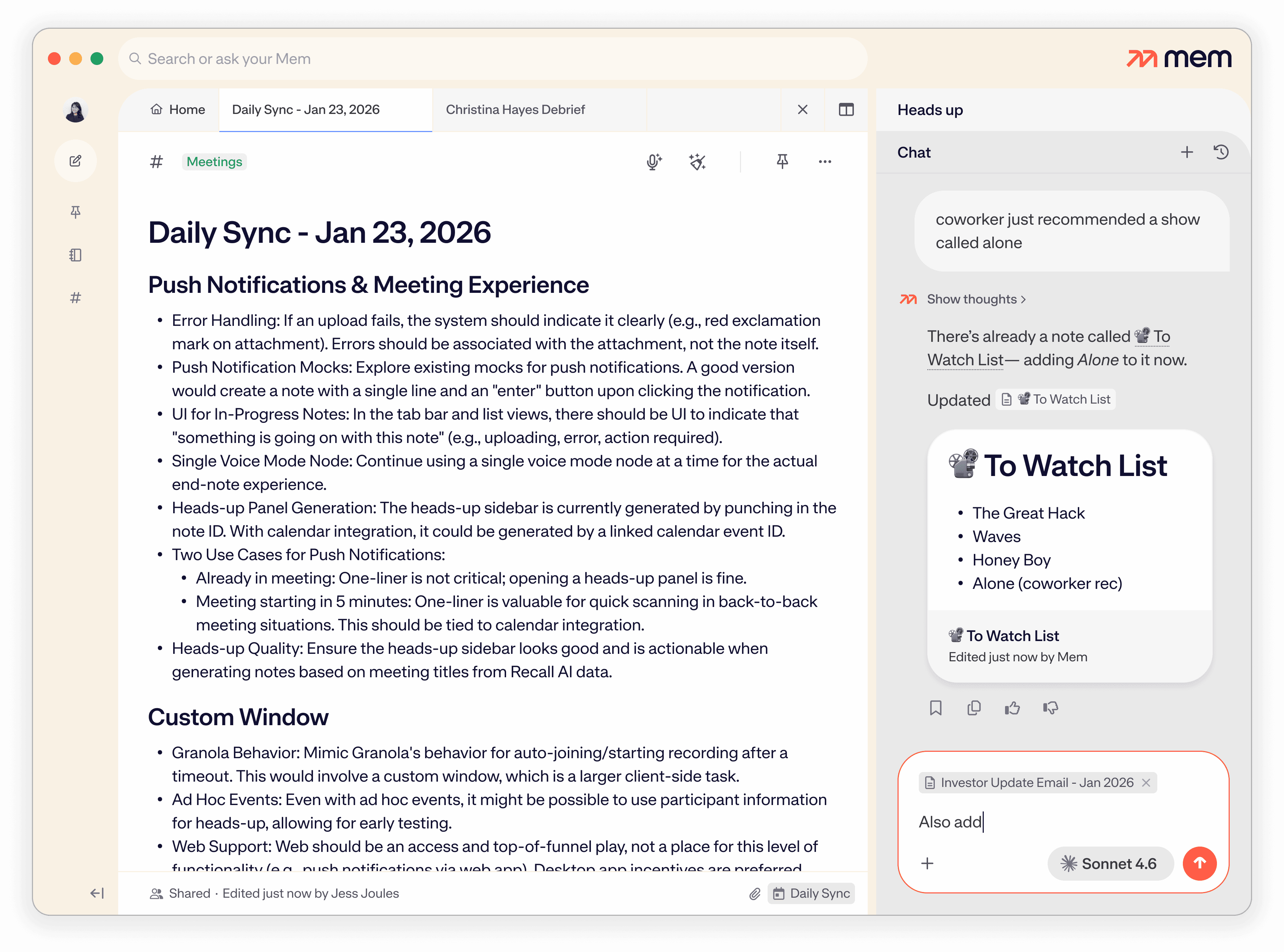
Tell Mem anything, and let it create or update the right note automatically.
Share your priorities for today, a stray factoid, or that movie rec from a coworker; Mem will search your workspace for a relevant note, or create a new note.
AI that thinks with you, not just at you. Powered by your notes, Mem knows what you need to know, when you need to know it—just ask.
Share your priorities for today, a stray factoid, or that movie rec from a coworker; Mem will search your workspace for a relevant note, or create a new note.
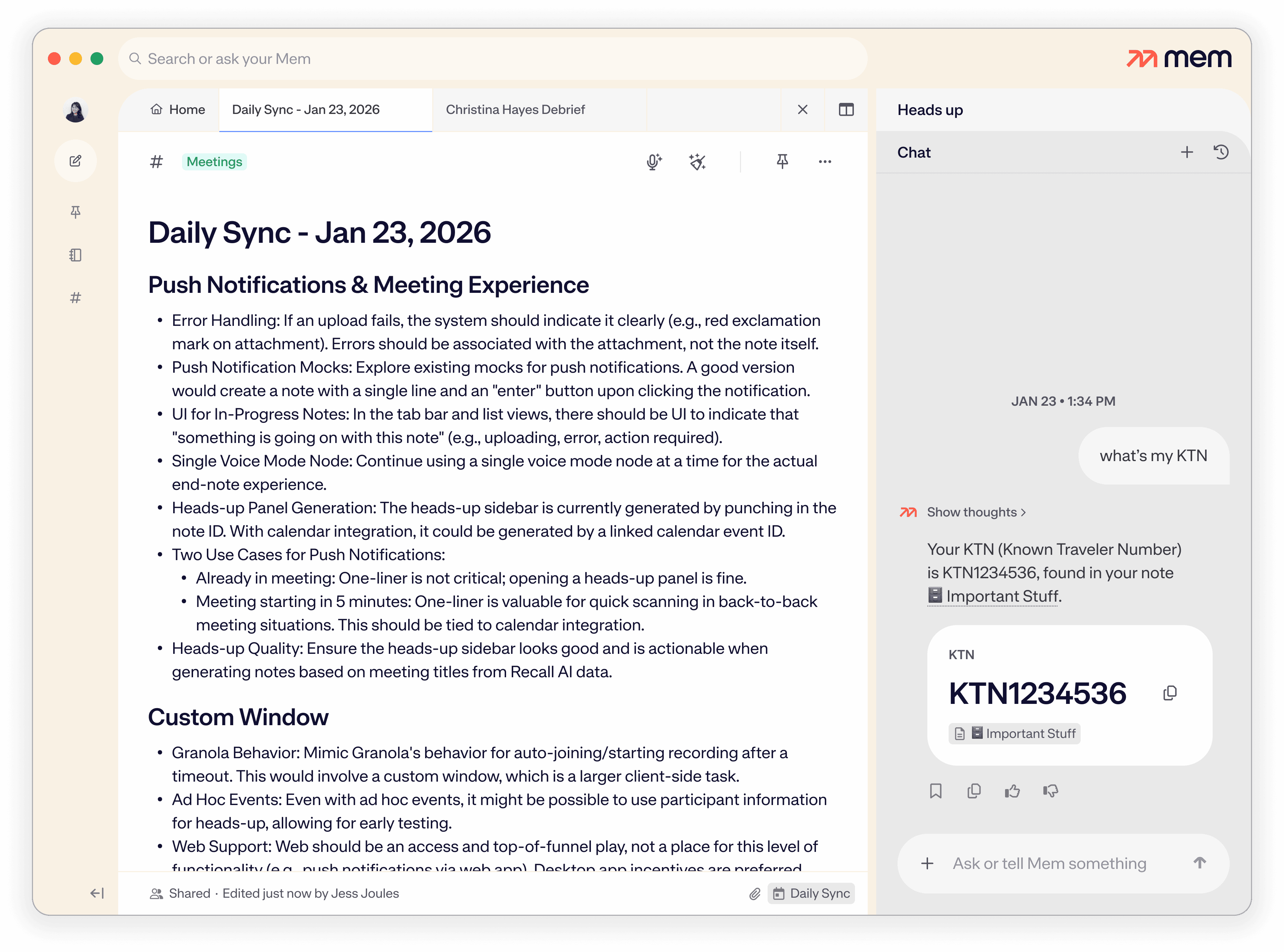
"What did we decide about our Q2 pricing strategy?"
"What's my KTN?"
"Any open action items from last week?"
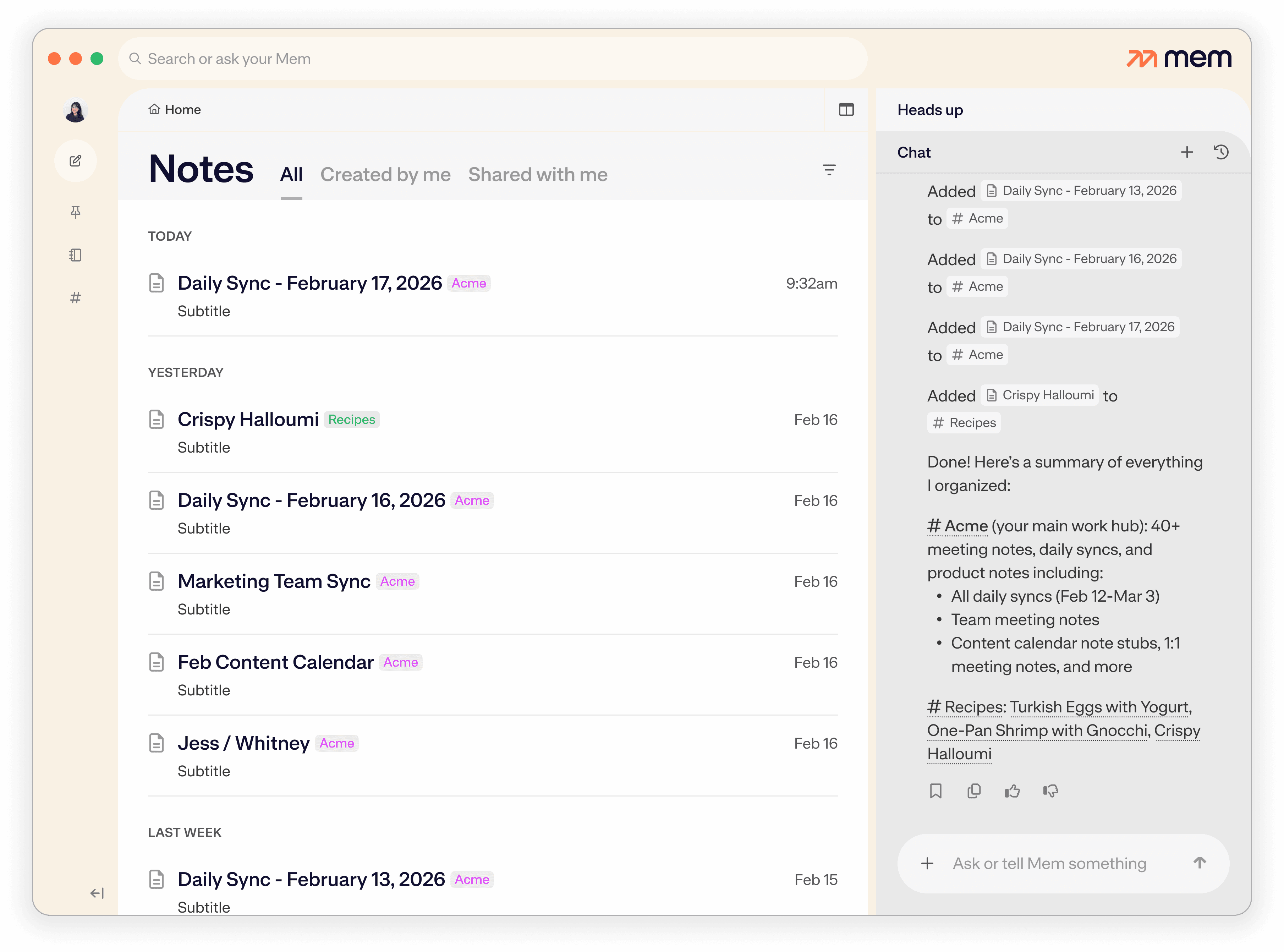
Never touch a folder again; Mem can automatically organize any stray notes on command.
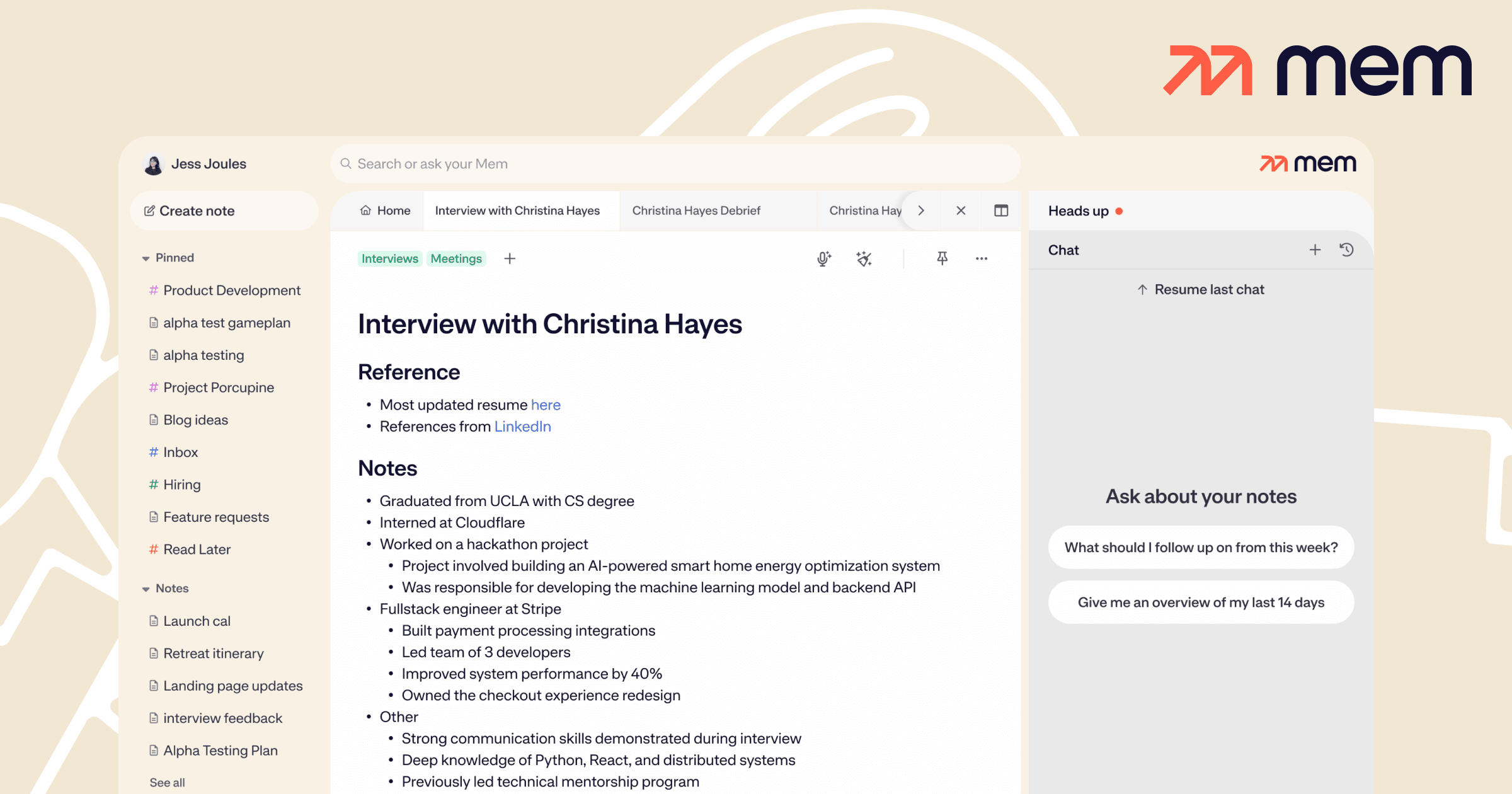
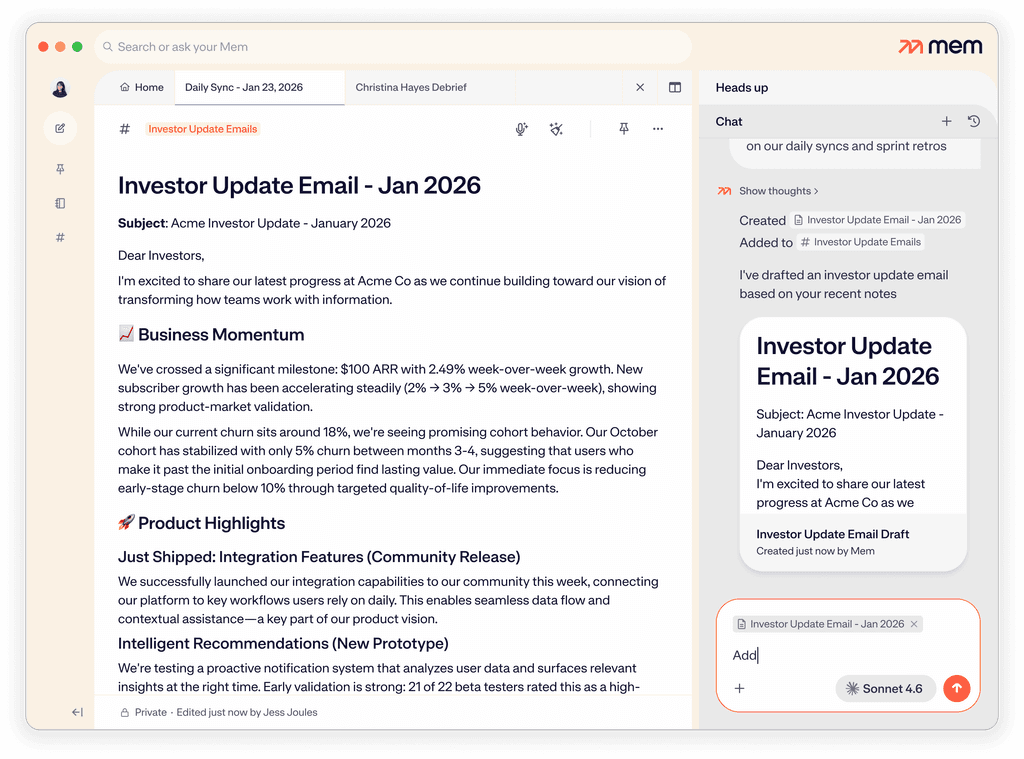
Open any note then open Chat: Mem will automatically attach the note to your conversation.
Mem can update and organize the note, or add new content.
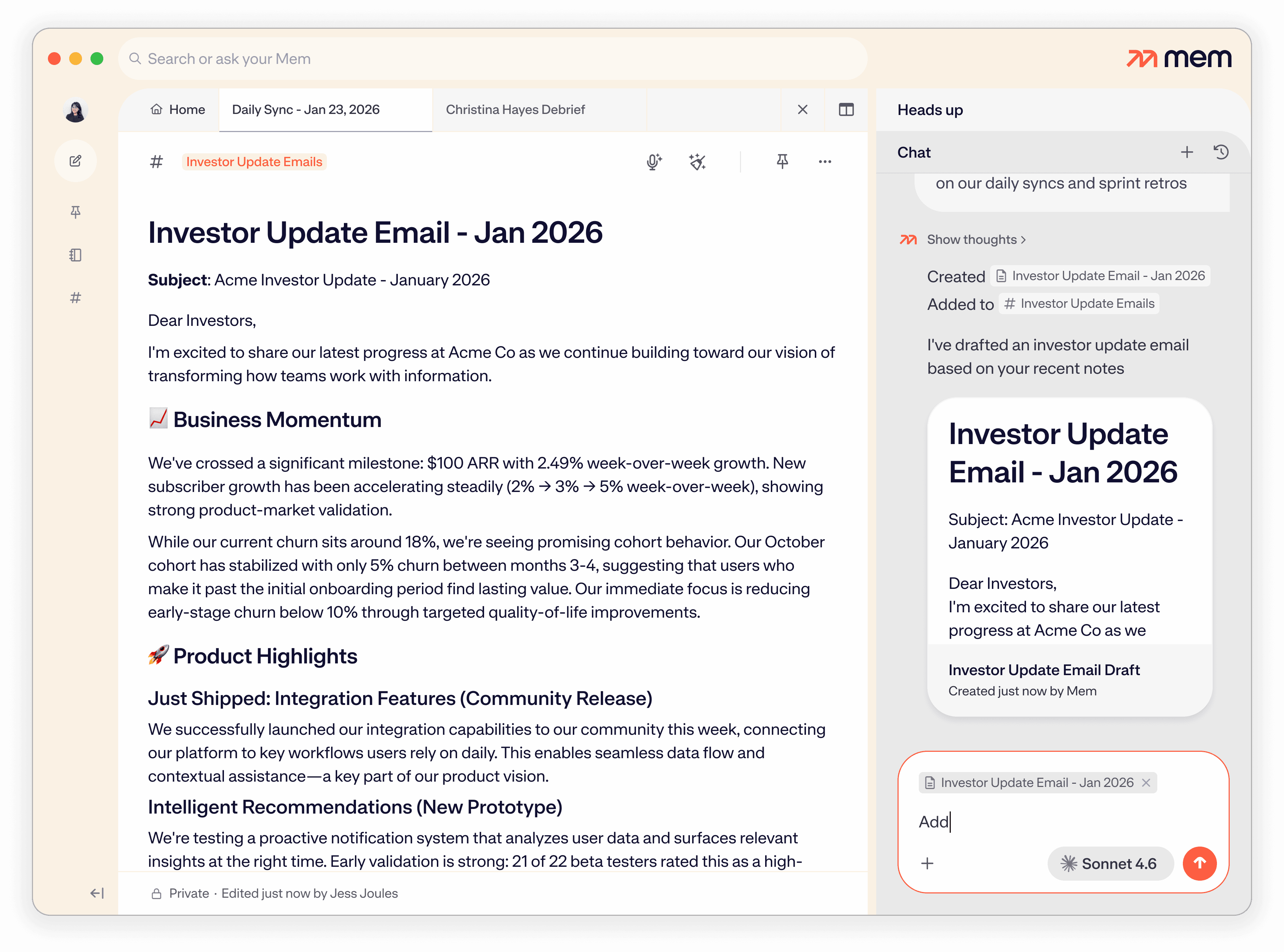
“Draft an agenda for tomorrow’s one-on-one based on my last few meeting notes with Alex.”
“Turn my recent brainstorming notes into a new project plan.”
“Create a weekly recap from my notes this month.”
Mem will synthesize relevant context and save your draft as a new note, often organizing it into the right collection automatically.
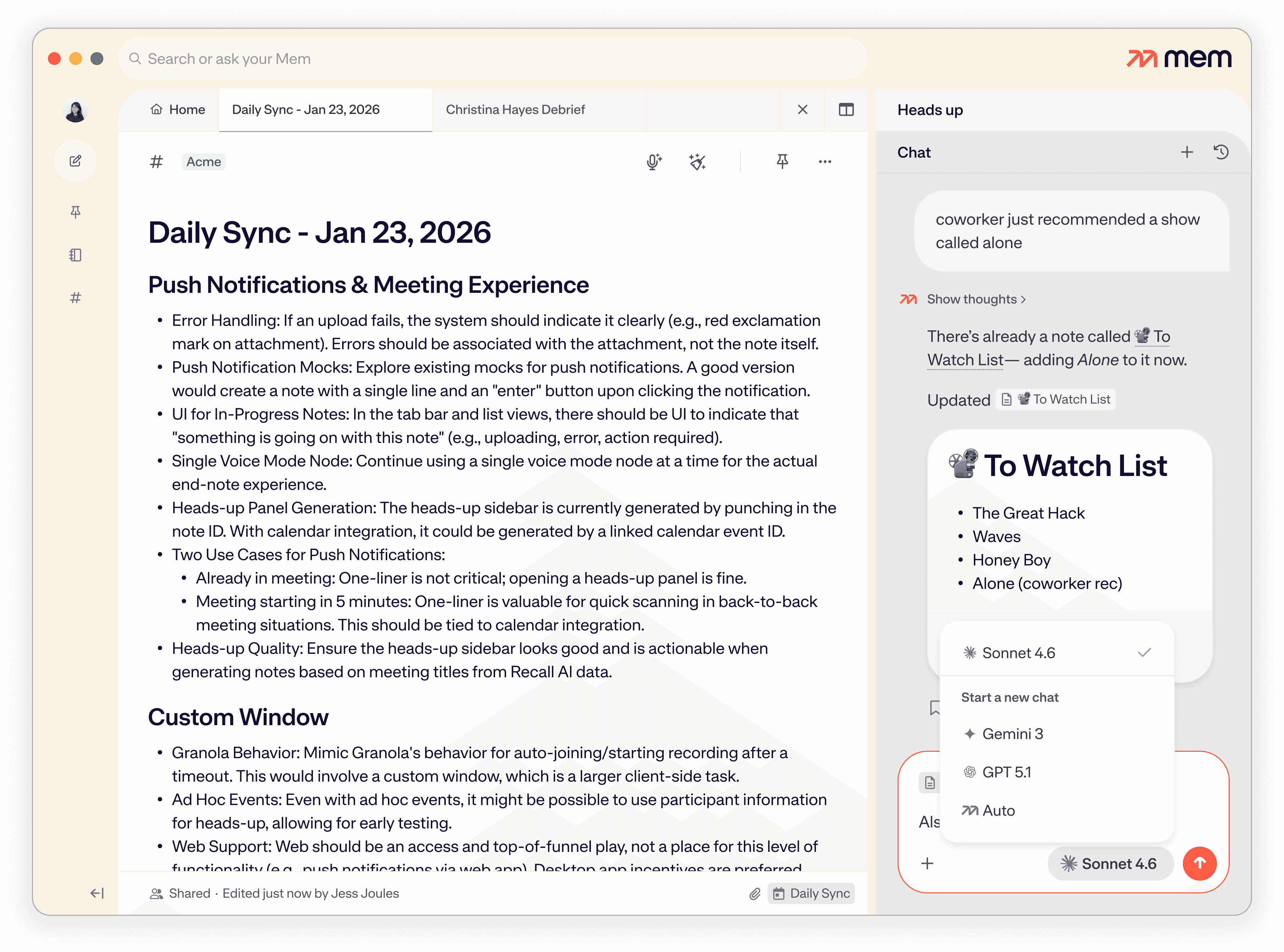
Pro accounts can choose any of the latest models at any time. If you have no preference, or if you're on a free account, leaving it on Auto works just fine: we choose it based on what we currently think fits most use cases for most users in Mem.
Have more questions? Check out our Help and Supportcenter.
Mem Chat is a full AI productivity assistant for your notes — not just a search bar. You can tell it things you want to remember and it'll create or update notes automatically. You can ask it to recall information, summarize recent work, organize notes into collections, draft new content from past notes, and edit open notes in real time. It's conversational, but it takes real action in your workspace.
On Mac, Windows, and web, click the Mem arrows in the top-right corner to open the Mem panel, then click the "Tell or ask Mem something" input field. On iOS, tap the Mem arrows at the bottom of your screen to open the Chat tab. You can start a new conversation, revisit past chats via the clock icon, or — while inside a note — toggle from Heads Up to Chat to interact with that specific note in context.
Yes. By default, Mem searches your entire workspace to answer questions and surface relevant context. Ask it things like "what did I decide about the rebrand?" or "summarize my last month of meeting notes" and it will read across everything you've captured. You can also narrow its focus using the plus button to attach specific notes or collections, or constrain by time period.
When you have a note open and launch Chat, Mem automatically attaches it to the conversation. Ask Mem to add priorities, reorganize sections, turn a dump into a checklist, or restructure the whole thing, and it edits the note live. No copy-paste required. Version history tracks every change.
Yes. Ask Mem Chat something like "based on my recent notes, what collections should I create?" and it will assess your workspace and suggest an organizational structure. You can then ask it to apply those collections automatically — turning a messy workspace into a clean, structured knowledge base in a single conversation. Or skip a step and just ask it to organize any stray notes automatically.
If you're on a Pro account, you can choose any of the latest models you prefer. If you have no preference, or if you're on a free account, Mem Chat's model is tied to the one we currently think fits most use cases for most users in Mem. That could, and will change as new models come out.


I no longer worry about how I organize or segment notes into different apps—I toss it in Mem and know it will be there when I need it. So much weight off my shoulders.
