What makes the Mem Web Clipper different from a regular web clipper?
Most web clippers just save a page. Mem's Chrome Extension is the world's first agentic web clipper, acting as an AI research assistant built into your browser: it can summarize articles, extract key takeaways, organize clips into collections, and add them to existing notes, all before you leave the tab. You can give it instructions in plain language, and it formats and files your note based on what you ask for.
How do I install the Mem Web Clipper and start clipping?
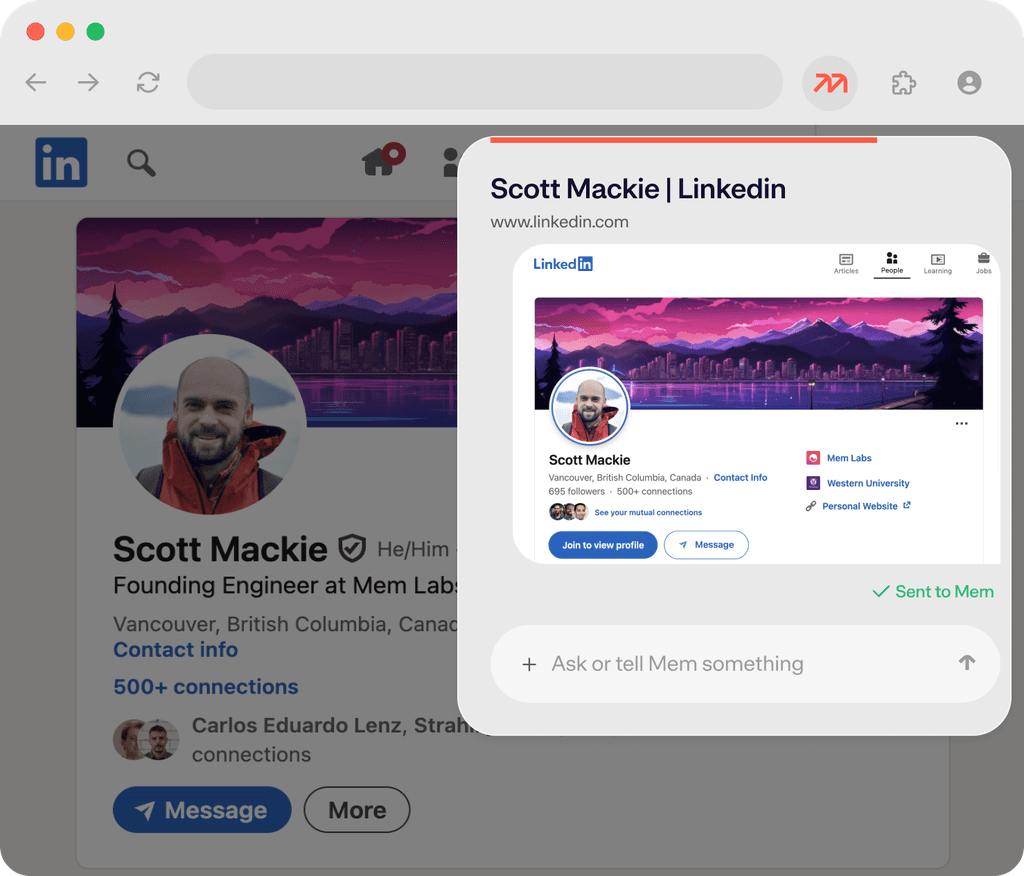
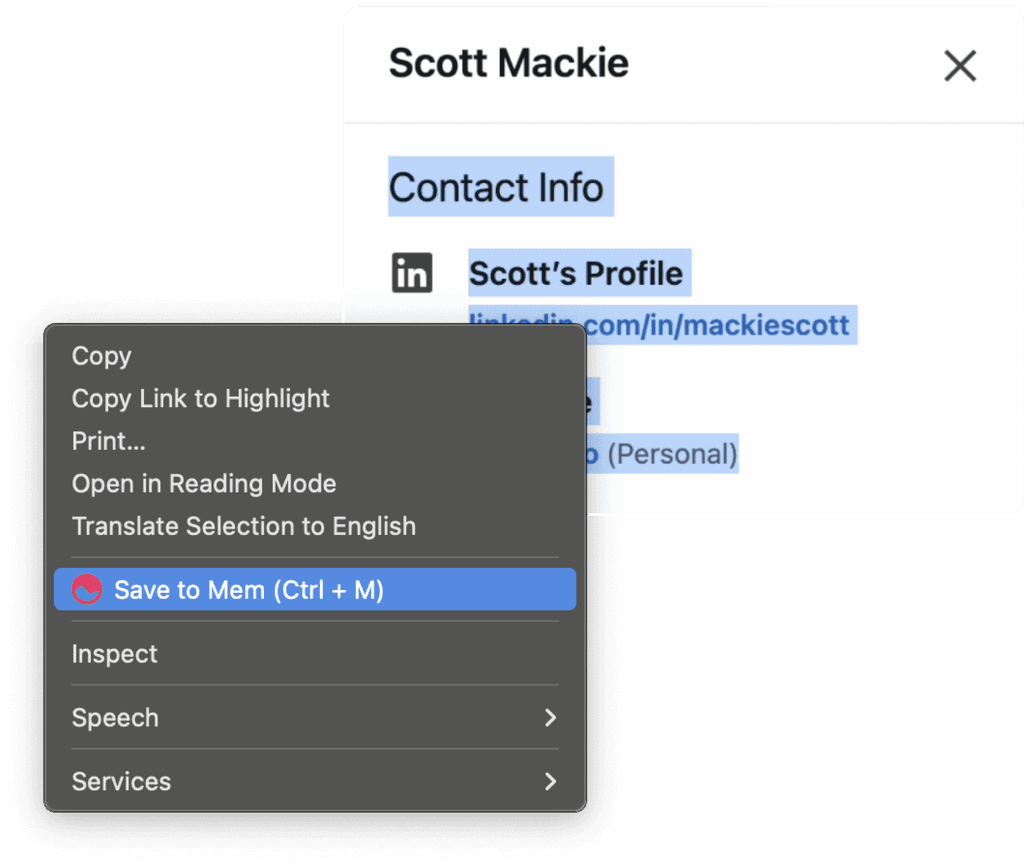
Download the web clipper from the Chrome Web store (or search for Mem from the Store), click "Add to Chrome," and pin it to your toolbar. To save a full page, click the Mem icon. To save a specific passage, highlight the text and press CTRL+M (works on both Mac and Windows); you can also right click to access the shortcut, or simply click the icon in your toolbar. The extension popup will open, where you can add instructions or just save it as-is.
How do I organize clipped content into specific collections or notes?
In the extension popup, type # followed by a collection name to add the clip to an existing collection, or create a new one. Type @ followed by a note title to append the clip to an existing note. Mem will also auto-detect relevant collections in your workspace and suggest organizing the clip there — even if you don't specify.
Does it automatically summarize a long-form article or YouTube video when I clip it?
Yes; simply click on the Mem icon in your toolbar to automatically create a beautifully formatted note summarizing the webpage contents. Chatting with Mem about it is completely optional.
Can I edit, rename, or delete a note from the Chrome Extension without opening Mem?
Yes. After saving a clip, you can make changes directly within the extension by chatting with Mem— edit the content, rename the note, or delete it entirely — without ever opening the Mem app. It's the full Mem note-management experience in a browser popup.
Will clips made in Chrome sync to my other devices?
Everything you save with the Chrome Extension goes straight to your Mem workspace and is instantly accessible from any device — iOS, web, Mac, or Windows. Your web research, saved articles, and clipped notes travel with you.
Does the extension work with browsers other than Chrome?
Currently, the Mem extension is available for Google Chrome only. Additional browser support may be added in the future — if that's important to you, let the team know.
How do I get notified when a clip finishes processing?
Browser notifications should be on by default for Chrome Extensions, but you can find it in the extension settings. Mem will send you a progress update as soon as your clip is saved and processed, so you can keep browsing without wondering if it went through.