Is Mem a web clipper or AI research assistant?
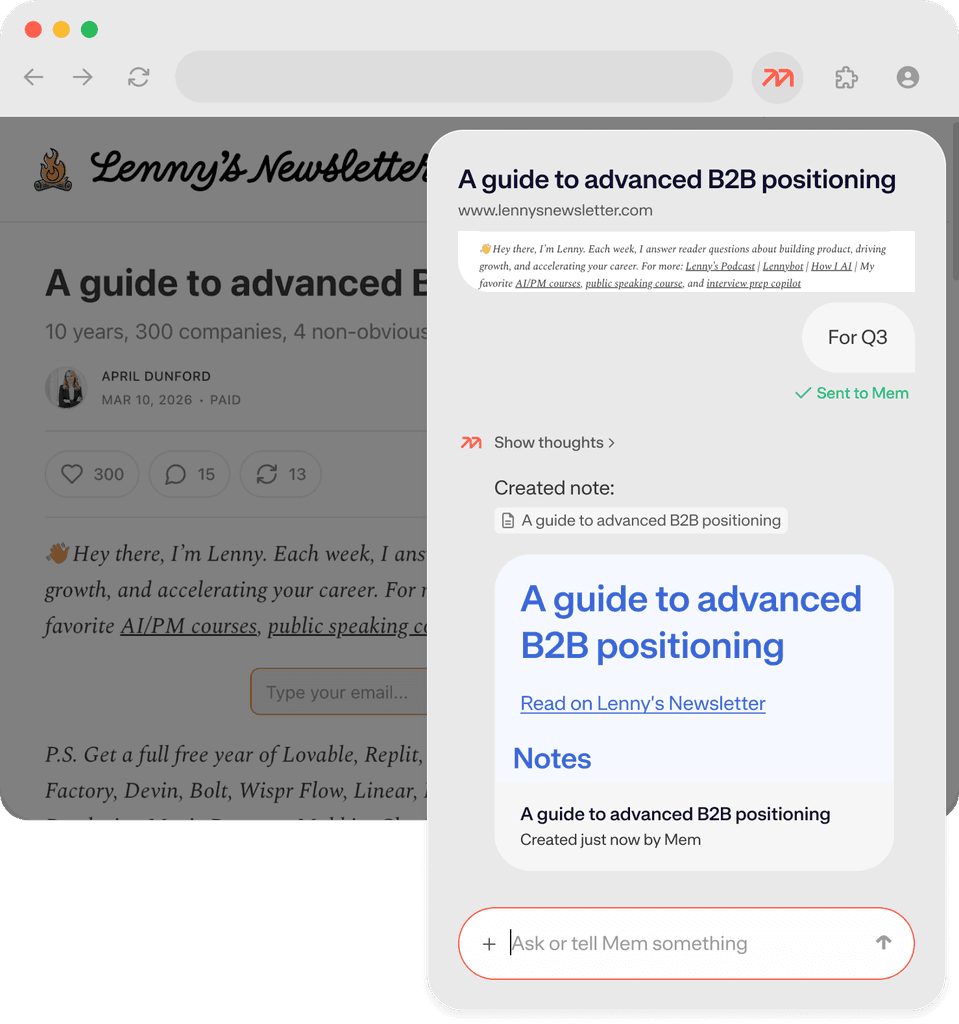
Both. The Mem Chrome Extension captures and summarizes content from the web, while Chat lets you query, synthesize, and act on everything you've saved. The two work together: clip an article, then ask Mem to connect it to everything else you've saved on the topic. It's a personal knowledge base that does more than store, it enables.
How does Mem organize my research notes automatically?
When you clip something, Mem analyzes the content and auto-files it into relevant collections in your workspace, if any—no need to specify. You can also give explicit instructions in the extension popup (using # for collections and @ for existing notes), or let Mem make the call. Either way, your knowledge base stays organized without manual effort.
Can Mem summarize articles and YouTube videos when I save them?
Yes. In the Chrome Extension popup, just tell Mem what you need: "summarize this in three bullet points," "extract the key statistics," or "add the main argument to my notes." For YouTube, Mem generates a summary and key takeaways automatically when you open the extension on a video page.
How do I find research I saved weeks, months, or years ago?
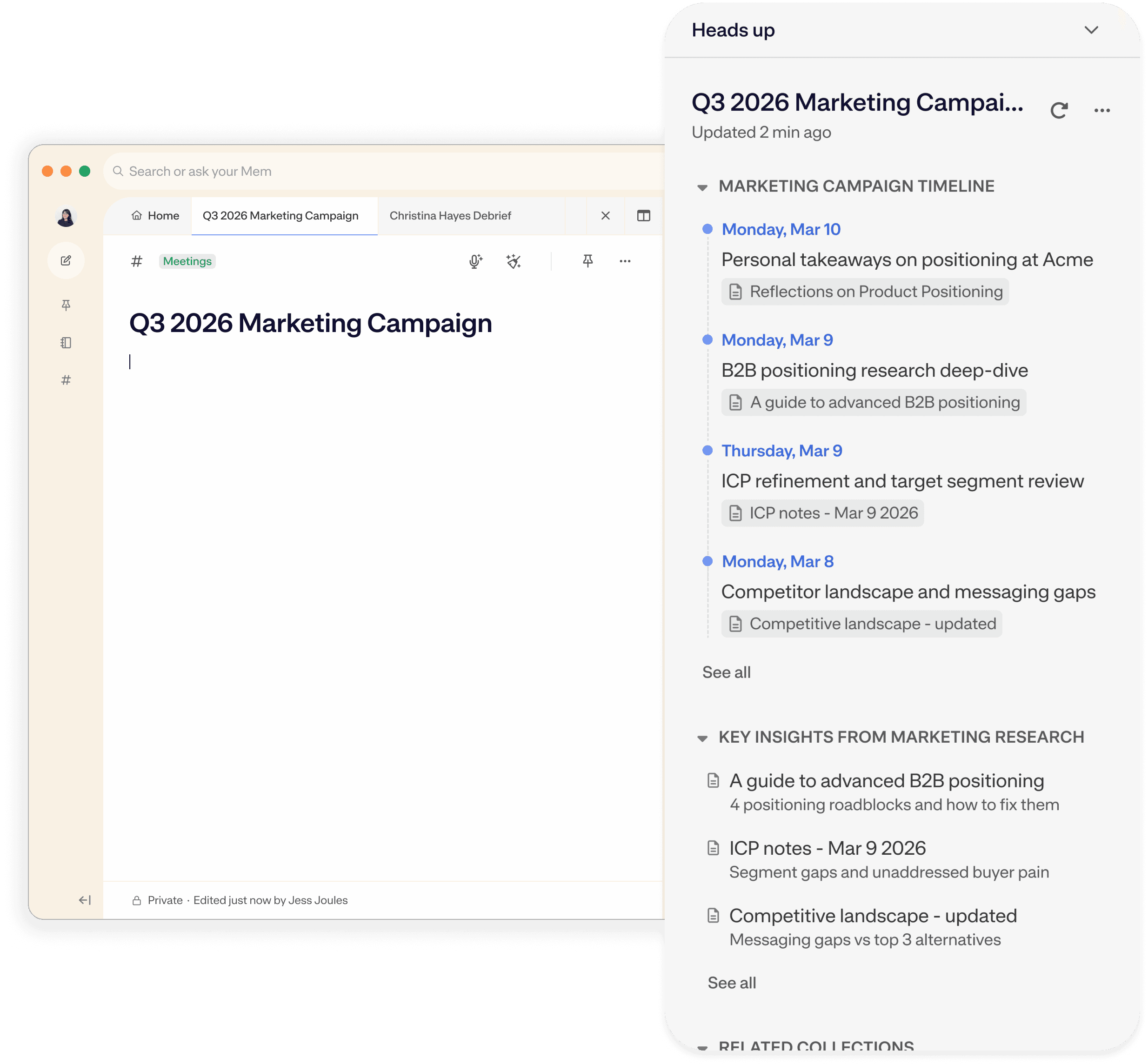
Multiple ways. You can use Mem's advanced search feature to find notes by topic of title. You can also ask Chat to find notes for you. Old notes also surface via Heads Up; when you're working on a related note or project, Mem automatically surfaces older clips and research in the sidebar, no matter how old. This "serendipitous rediscovery" is one of Mem's most distinct capabilities as a personal knowledge management tool.
Can I ask Mem to synthesize research across multiple notes or sources?
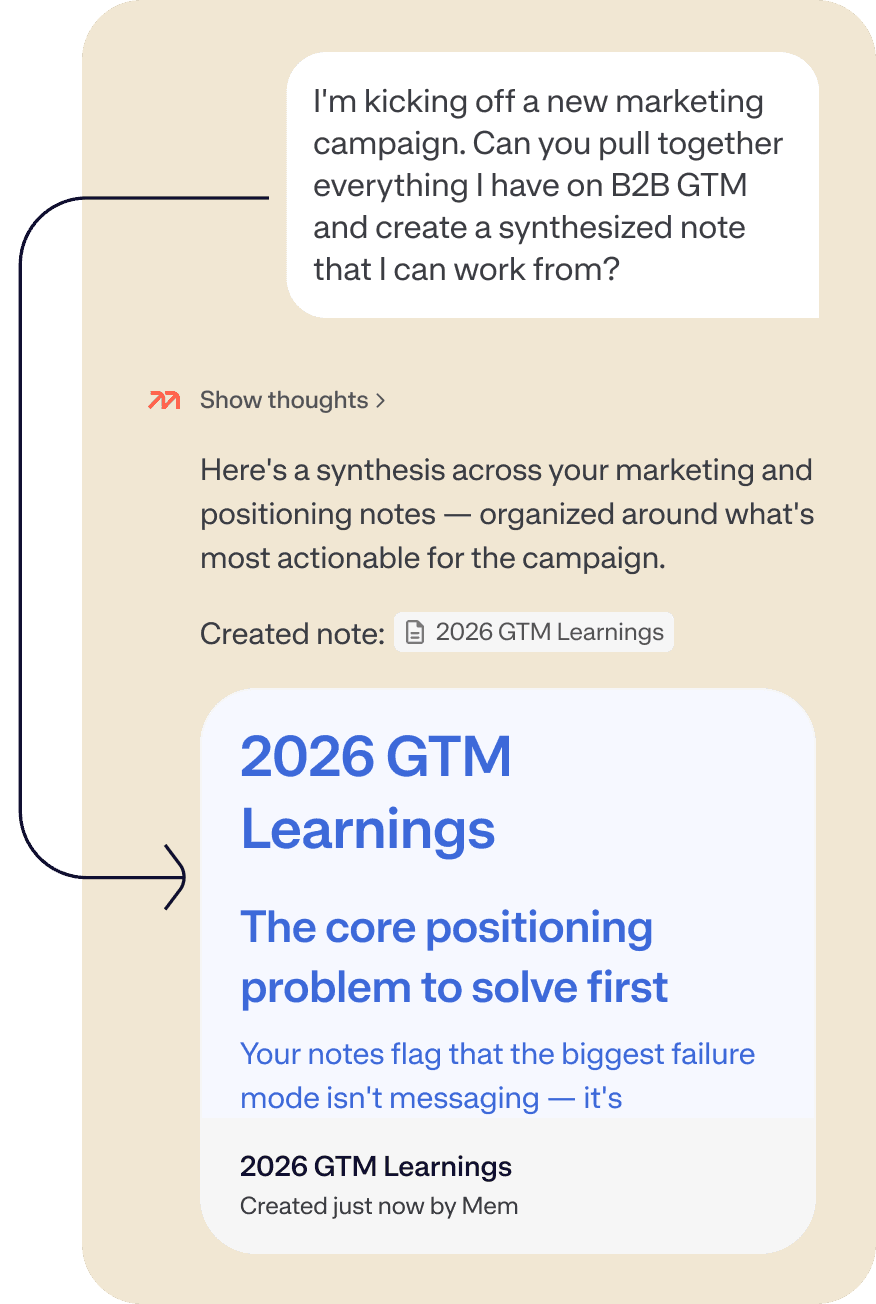
Yes. Open Mem Chat and ask it to summarize or connect information across your workspace — for example, "What do my notes say about this topic?" or "Pull together everything I've saved about this competitor." You can also use the plus button in chat to attach specific notes, collections, or dates to focus Chat's context. Mem reads across everything and gives you a real synthesis, not just a list of results.
How is the Mem Chrome Extension different from other web clippers like Readwise or Notion Clipper?
Most web clippers simply save a copy of the page. Mem's extension is the world's first agentic web clipper: an AI research assistant built into your browser. It creates a structured summary out of the webpage contents, identifies where it belongs in your knowledge base, and files it, all before you close the tab. You can give it natural-language instructions, clip YouTube videos with instant summaries, and manage notes directly from the extension without opening the app.
Does my research sync across all my devices?
Yes. Everything saved with the Chrome Extension goes directly to your Mem workspace, accessible from any device — iOS, web, Mac, or Windows.
Can my team share a research knowledge base in Mem?
Yes. Put research notes into Shared Collections and your whole team can access your notes and contribute their own. Anyone on the team can then use Chat to query the shared knowledge base — pulling up saved articles, past findings, or relevant context from any note in the collection.