What is Push-to-Remember in Mem?
Push-to-Remember is a desktop shortcut that lets you speak a thought directly to Mem Agent without leaving the app you’re using. It is designed for ideas, follow-ups, facts, and loose ends that are worth capturing but not worth interrupting your work to file.
How do I use Push-to-Remember on Mac or Windows?
In the latest Mem desktop app, press and hold Right Option on Mac or Right Ctrl on Windows, say the thought, then release. Mem automatically sends the voice message to your Agent. Those are the default shortcuts; you can choose a different supported key in Settings.
What happens after I release the Push-to-Remember shortcut?
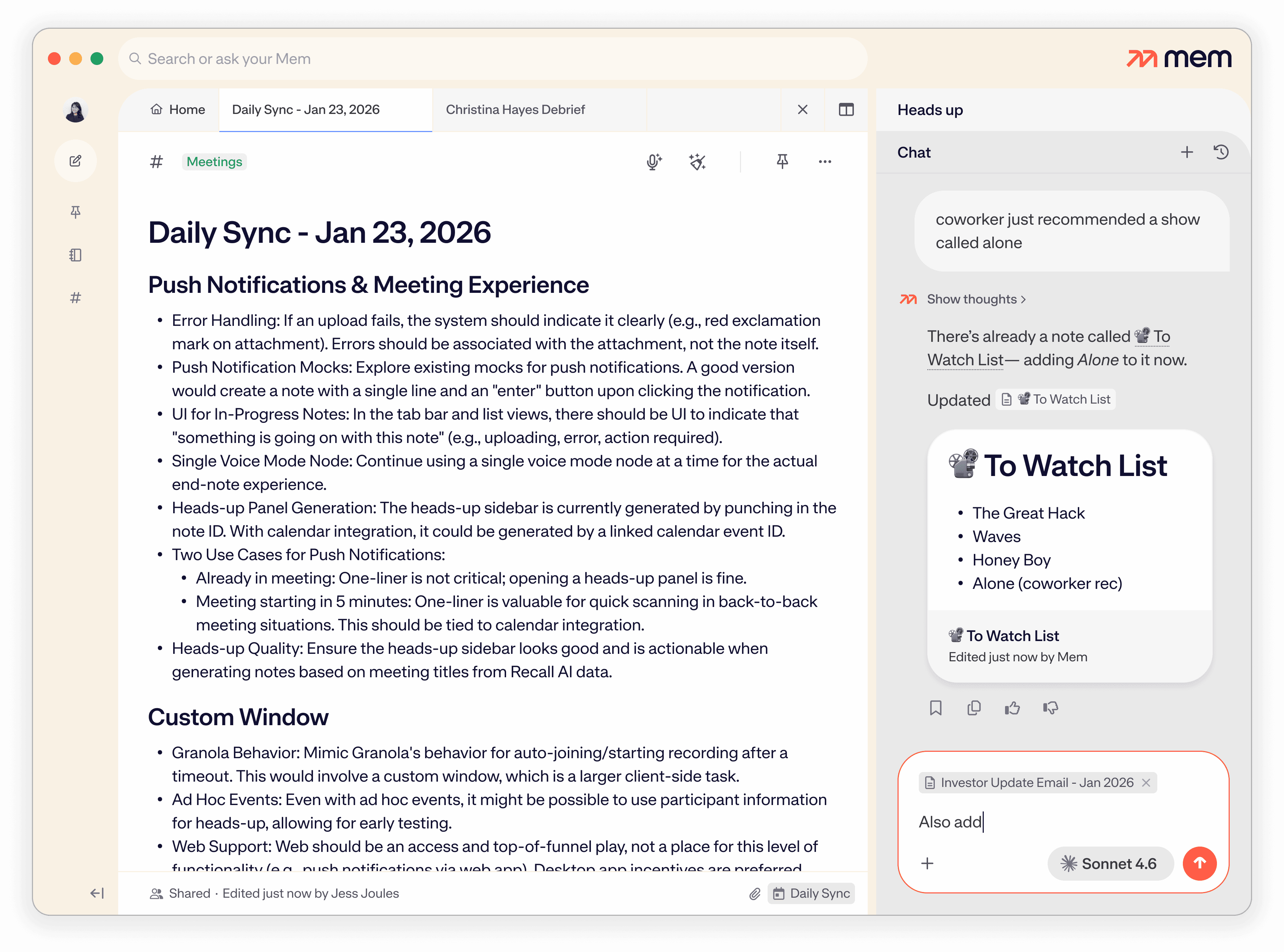
Mem Agent receives your voice message and interprets what you asked. It can remember useful context or find, create, edit, and organize information using the capabilities available on your plan. Sending happens when you release the key; the Agent’s response or action may take a moment to complete.
Is Push-to-Remember the same as voice dictation?
No. Ordinary dictation inserts a transcript wherever your cursor is. Push-to-Remember sends the thought to Mem Agent, which can understand the request and handle it using the context in your Mem Workspace instead of only pasting words into the current app.
How does hands-free Push-to-Remember work?
Double-tap your Push-to-Remember shortcut to start a hands-free voice message. Speak without holding the key, then press the shortcut once more to finish and send. This is useful for a longer brainstorm or thought that needs more than a sentence.
Can I change or disable the Push-to-Remember keyboard shortcut?
Yes. Open Settings, choose Mem Agent, and change or disable Push-to-Remember. Supported choices include Tab, Caps Lock, Right Shift, Right Option or Alt, Right Control or Ctrl, and Scroll Lock.
Can I hide the floating Mem Agent icon?
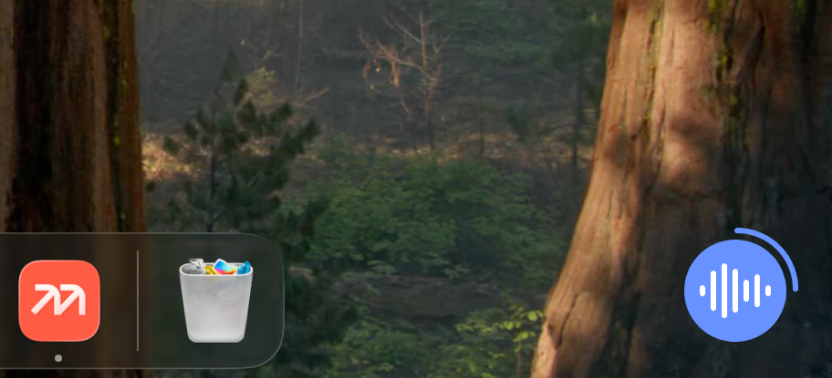
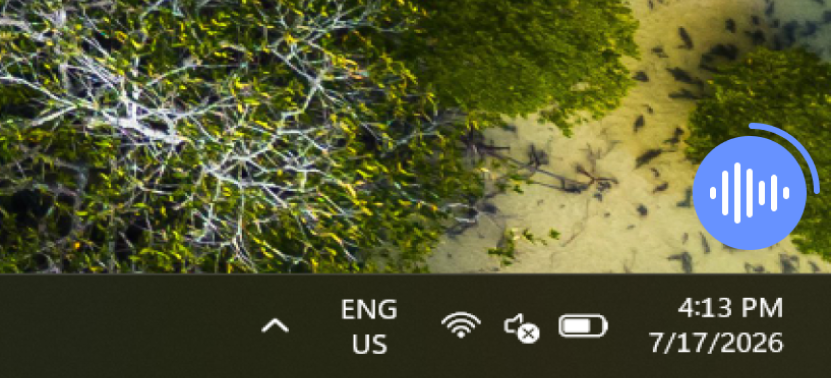
Yes. In Mem Agent settings, choose Always visible, When unread, or On demand. On demand keeps the icon out of sight until you summon the Agent with your shortcut.
Does Push-to-Remember work while Mem is hidden?
Yes. The shortcut works over other desktop apps and when the Mem window or floating Agent is hidden, as long as the Mem desktop app is still running. If you quit the desktop app, the shortcut is not available.
Which platforms support Push-to-Remember?
Push-to-Remember is available in the latest Mem desktop app for Mac and Windows. The global voice shortcut is not currently available in Mem’s web or mobile apps.
Do I need Pro to use Push-to-Remember?
No. The Push-to-Remember shortcut is available on every plan. It uses your plan’s normal Mem Agent request allowance, and the actions the Agent can take after receiving a message vary by plan.
Can Push-to-Remember create reminders, tasks, or projects?
Yes. Mem Agent can turn those requests into reminders, tasks, or projects within your plan’s open-work allowance. Pro adds more capacity along with custom routines and connections.
Can Push-to-Remember use information from my existing notes?
Yes. The voice message goes to Mem Agent, whose answers and actions can use relevant context from your Workspace. That makes it possible to ask about something you saved before or tell the Agent to update and organize information instead of creating an isolated transcript.
Can I type to Mem Agent instead of speaking?
Yes. Click the floating Mem Agent icon and type or paste your message. Push-to-Remember is the fastest voice path on desktop, but typing is useful when you are somewhere you cannot speak aloud.
Is Push-to-Remember always listening?
No. Voice capture begins only after Mem confirms the hold or double-tap gesture. Hold-to-talk ends when you release the key, and hands-free capture ends when you press the shortcut again.
What permissions does Push-to-Remember need?
The Mem desktop app needs microphone access to capture your voice. On Mac, Accessibility permission is also needed so the global shortcut can work while you are in another app.
What is the difference between Push-to-Remember and Voice Mode?
Push-to-Remember is a quick voice message to Mem Agent from anywhere on your desktop. Voice Mode is the longer-form capture experience for a meeting, brain dump, or recording that produces a structured note with the recording and transcript attached.
Can Push-to-Remember see what is on my screen?
Push-to-Remember does not read arbitrary screen contents from other apps. It captures what you say and sends that message to Mem Agent. The Agent can also use relevant context that is explicitly available inside Mem, such as a note you have loaded.
What happens if I reach my Mem Agent message limit?
Push-to-Remember uses the same Agent message allowance as typed conversations. If you have reached the limit for your plan, Mem blocks the new voice capture before the microphone starts and shows the normal usage-limit options.